


Less sitting. More playing

Made for natural movement.

17-point body tracking

Gesture navigation


Small box. Big possibilities.


Three steps. More together.
Connect via HDMI
Plug PlayPop 8 into your TV with the included HDMI cable.

Step into view
Stand in front of your TV. No controllers needed.

Start moving
Choose a game and play together.

01 Connect via HDMI
Plug PlayPop 8 into your TV with the included HDMI cable.

02 Step into view
Stand in front of your TV. No controllers needed.

03 Start moving
Choose a game and play together.


Open to play.
Closed for privacy.
A physical camera cover.
Motion tracking processed
on your device.
wide-angle camera
for added peace of mind

Open to play.
Closed for privacy.
A physical camera cover.
Motion tracking processed
on your device.
wide-angle camera
for added peace of mind
Space & Placement Guide
Position Your PlayPop
Place PlayPop 8 on your TV stand, or mount it 40–140 cm (1.3–4.5 ft) above the floor for optimal motion tracking.
Single Player
Stand about 1.5 m (5 ft) away from the screen for the best play experience.
Multiple Players
Step back 2–3 m (6.5–10 ft) so everyone has enough room to move, jump, and play comfortably.

Specifications
FAQ
Do I need a controller?
No. PlayPop 8 uses motion tracking, so you can play using natural body movements without a traditional game controller.
What screens can I use?
PlayPop 8 can connect to a compatible TV or projector using HDMI, making it easy to play on a larger screen.
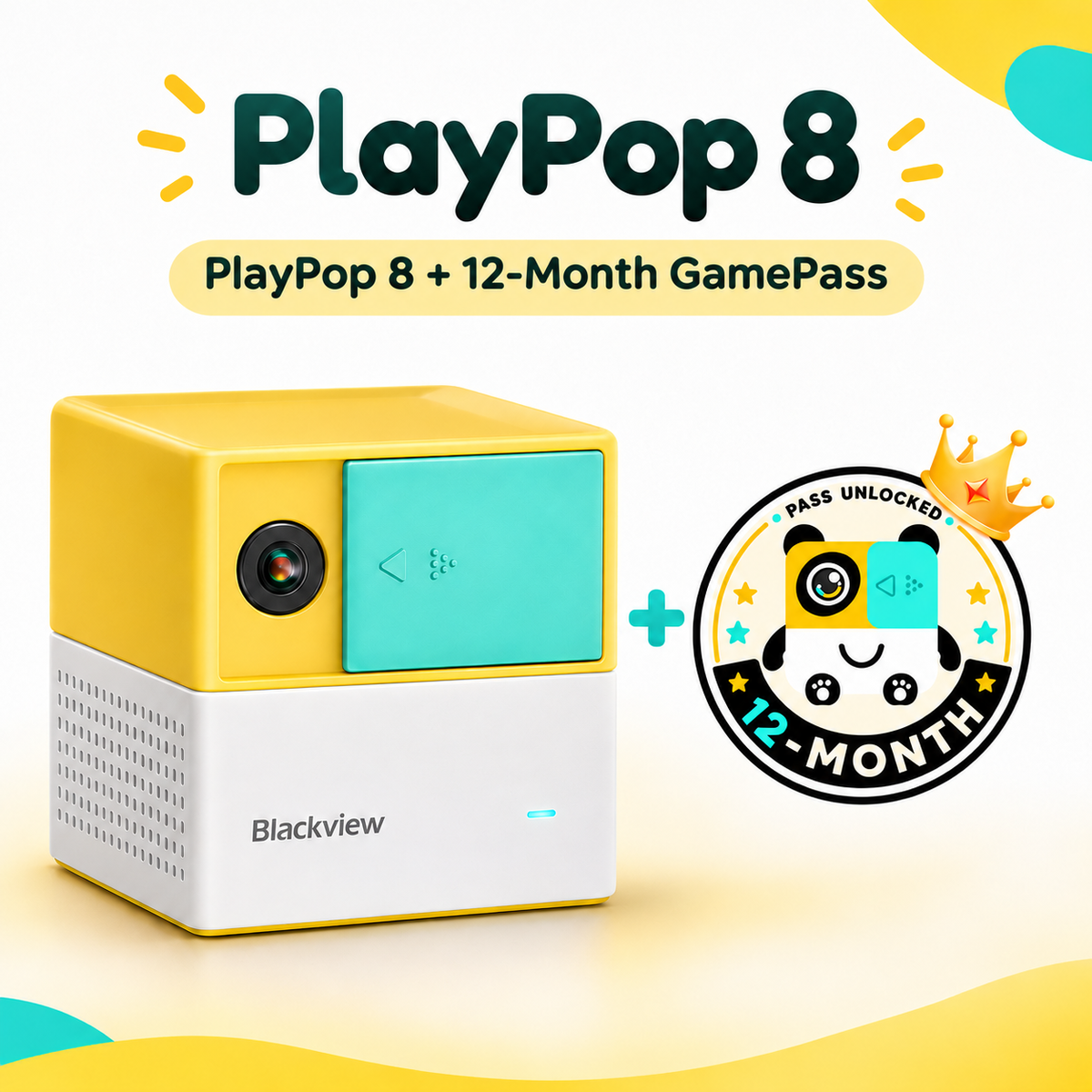
Is GamePass included?
PlayPop 8 includes 5 starter games. PlayPop GamePass is sold separately and unlocks access to additional games.
How much space do I need?
For the best experience, stand in a clear area in front of your TV or projector with enough room to move your arms and body comfortably.
Testimonials
