
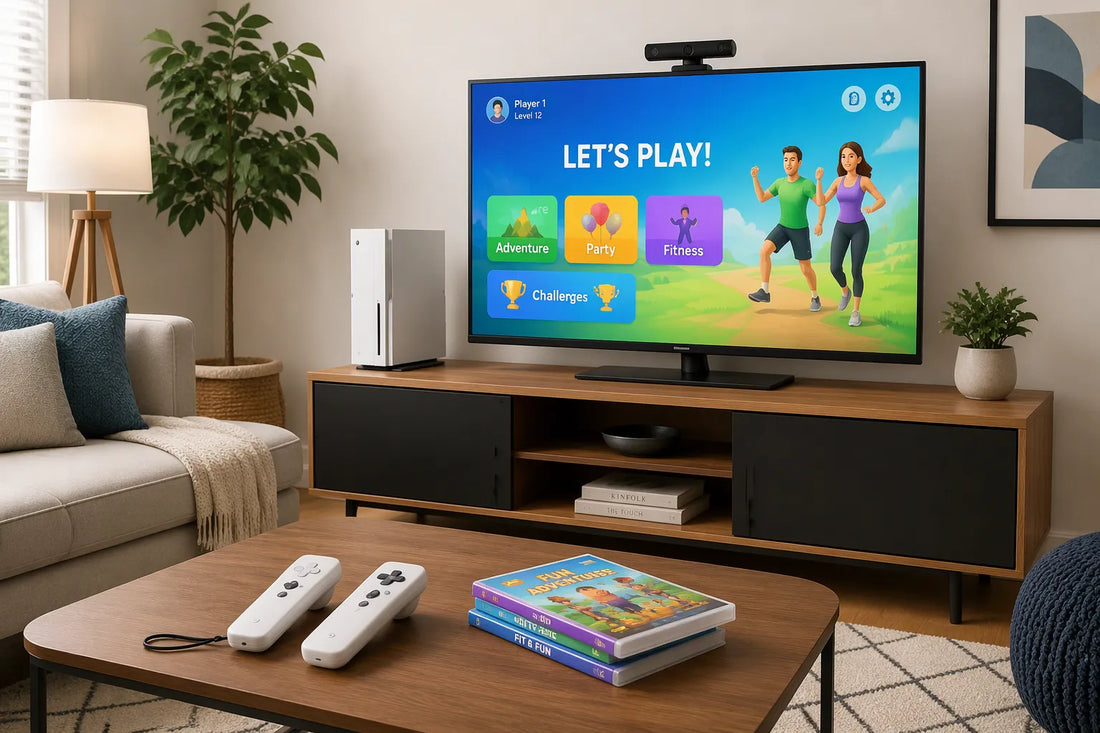
There is no single best motion gaming console for kids. The right choice depends on your kids' ages, the room you have, and your budget. This parent's guide gives you the criteria to choose with confidence.
A motion gaming console connects to your TV and turns body movement into the controller. Kids jump, reach, and dance to play, often without holding anything at all.
Six factors matter most: ease of use, game selection, multiplayer, space, privacy, and total cost. Keep those in mind, and the decision gets much easier.
Key Takeaways
-
Pick a console that fits your child's age and how your family likes to play.
-
Look at the game library to make sure it has different kinds of games and content that fits your child's age.
-
Make sure there is enough open space for safe movement play, and set rules for the house.
-
Check for privacy features, such as local processing and a camera cover.
-
Think about the full price, like add-ons and extra memberships you can choose.
What Is a Motion Gaming Console for Kids?
A motion gaming console for kids is a device that hooks up to your TV and uses body movement as the controller. Your child jumps, reaches, or dances, and the game reacts on screen. You don't need thumbsticks.
How Motion Play Works
A camera on the console watches the player's body. An AI-powered motion tracking engine reads those movements and turns them into game actions. The Nex Playground, for example, uses a built-in ultra wide-angle camera and motion capture to encourage indoor active play, according to Wikipedia. Industry analysts have compared its family audience to the Nintendo Wii crowd.
Setup stays simple. You plug the console into your TV, stand back, and play. Wireless sensors and a clear play area do most of the work. That low barrier matters for younger kids who cannot yet handle complex controls.
Motion Console vs. VR
Parents often search for vr games for kids or the best vr headsets for kids and end up on motion consoles by mistake. These are different product types. VR headsets strap a screen over the eyes and put the player inside a virtual reality world. Motion consoles keep the player in the room, looking at the family TV.
That difference shapes everything else. VR headsets suit solo play and need careful supervision for young children. A motion gaming console for kids works as shared living-room entertainment. VR games for kids and best vr games for kids searches point to headset software, not TV-based motion titles. Likewise, shoppers comparing vr headsets, virtual reality bundles, or vr games for kids should know this guide covers motion consoles only. We do not rank vr headsets or virtual reality products here. If your family wants a headset-free option where kids play together in the same room, keep reading.
What to Look for in a Gaming Console for Your Child
Ease of Use and Controllers
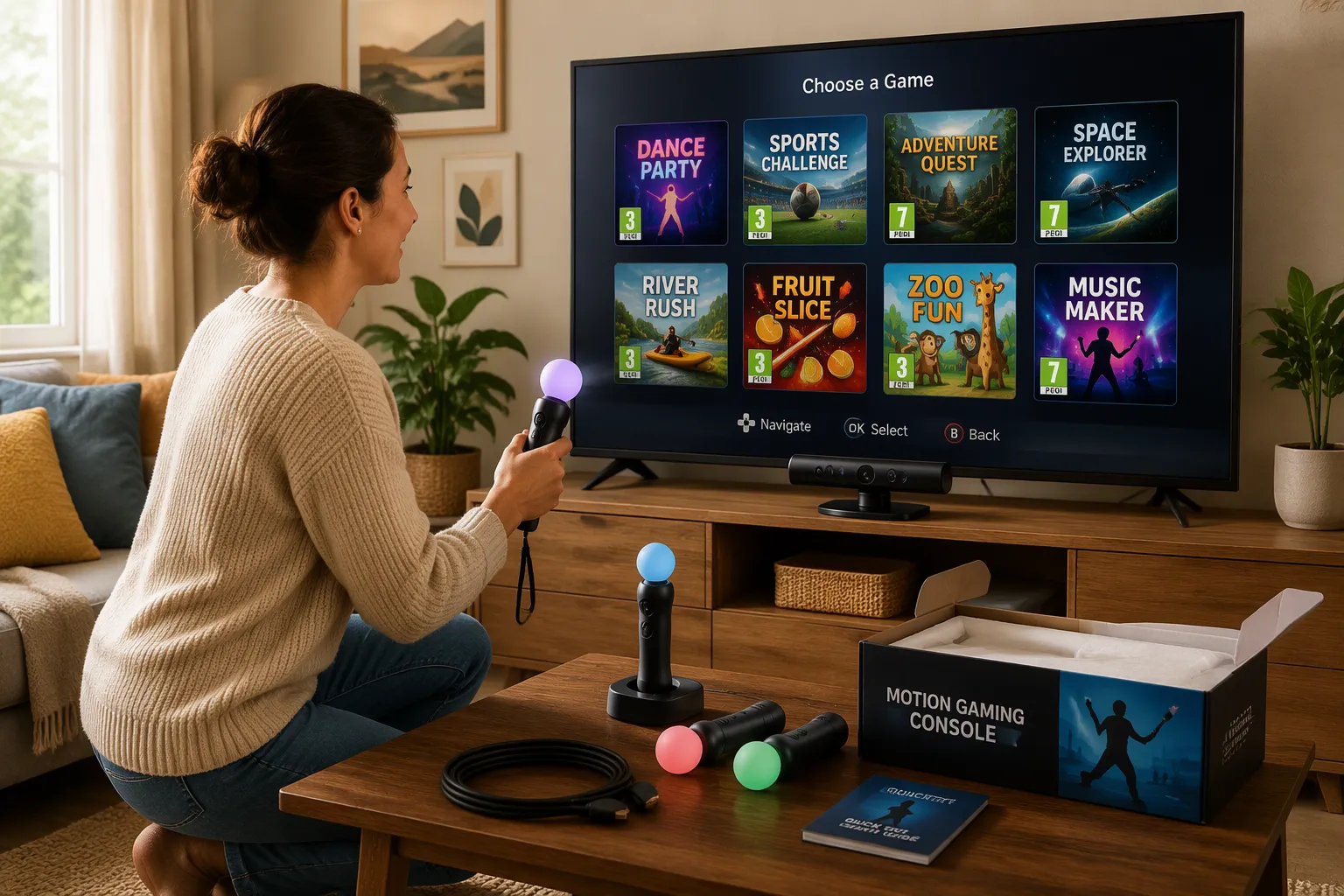
Begin with the controller question. Some systems are fully controller-free, using a camera to read body movement. Others come with motion controllers that kids hold and swing. Both styles work well. The best fit depends on your child's age and patience.
Controller-free play removes a common problem. Young kids often drop a controller, press the wrong button, or forget which hand does what. A camera-based system skips that step. Your child stands in front of the TV and moves. Motion controllers, on the other hand, give older kids something real to grip, and many titles use them for precise swings or pointing.
Setup simplicity matters just as much. Check how many cables the system needs, whether it connects through HDMI, and whether an adult must make an account before play starts. A quick start means fewer tears on day one. Ask yourself how fast your child can go from box to first game. Five minutes beats fifty.
Game Library and Age Ratings
Game variety may be the most important feature for your kids. They want games they truly enjoy. Find out which titles and genres excite them before you pick a system. Some consoles cannot access games from other platforms, so the library you choose shapes what your family can play for years.
Then check content and age ratings. The ESRB and PEGI systems label games by age group, and those labels give you a fast filter. Read the descriptors too, not just the letter. The ESRB, for example, rates Roblox T for Teen, with a "Diverse Content: Discretion Advised" descriptor. That label means the platform offers access to many kinds of content, and some of it may not suit all ages. User-created games vary widely, so a single rating covers a lot of ground.
Review parental controls before buying. Most gaming consoles offer settings that limit play to age-appropriate games. Many also limit online play to approved contacts, which gives parents peace of mind. Match the library to your child's gaming readiness, not just their birthday. Recommended age ranges on the box are a starting point, not a rule.
A few practical checks help here:
-
Parental controls and settings: confirm the system lets you cap content to age-appropriate games and limit online interaction.
-
Breadth and variety of games: verify the library includes the genres your kids want, and check whether age-appropriate apps and games are easy to find.
Finally, think about sibling sharing. One console often serves several kids with different tastes and skill levels. Set house rules early: whose turn it is, how long a session lasts, and which games stay off-limits for younger players. A shared gaming console works best when everyone knows the plan before the first controller comes out.
Space, Safety, and Privacy Checks
Room Setup and Play Space
Motion play needs room to move. Clear an open area in front of the TV before the first session. Push the coffee table aside, move floor lamps, and roll up loose rugs. Each player needs enough room to swing arms and step side to side without bumping a sibling. Check the product instructions for setup guidance, and follow them closely.
Good gaming safety habits start with the floor. Kids should play barefoot or in socks on a dry surface. Keep drinks away from the play zone. Younger players do best with a parent nearby for the first few rounds. These simple health and safety guidelines prevent most bumps and spills.
Multiplayer changes the math. A game built for four players needs far more space than a solo round. Check how many players each game supports, then measure your room against that number. If the space feels tight, rotate players instead of crowding everyone in at once.
Camera Privacy and Parental Controls
A camera-based gaming console watches the room, so privacy deserves a close look. Look for on-device processing, which means the motion tracking happens locally rather than in the cloud. A physical sliding camera cover adds another layer. Families can slide it shut when the console sits idle.
Parental controls handle the rest. Review account settings, content filters, and screen-time limits before your kids log their first session. Set screen-time limits that match your household routine. Strong online safety settings matter too, even on a family console. Check what online safety features the system offers, and confirm whether online play is on by default. Online safety deserves a quick review at setup, not later. Parents who manage online safety early avoid surprises down the road.
One more note: this is not a vr play space. A headset-free console keeps players aware of their surroundings, which helps with gaming safety in a busy living room. Set your rules, limits and guidelines as a family, and revisit them as your kids grow.
Understanding Total Cost and Memberships
Console Price and Accessories
Smart shopping means looking at the whole picture, not just the price on the box. The console itself is only the first cost. Add the accessories your family will really use, like extra motion controllers, a stand, rechargeable batteries, or a carrying case. Some systems include everything a family needs in the box. Others sell the extras separately, and those add-ons can quietly double what you spend at the start.
Game costs belong in the same budget. A console with five included games saves money on day one. A system with no games means buying titles right away. Before you shop, sit down and write three numbers: what you can spend on hardware, what you can spend on games in the first year, and what you can spend on accessories. Families who plan this way are rarely surprised at checkout.
Optional Memberships and Updates
Many gaming consoles offer an optional membership. These plans usually unlock extra games, and some deliver new content on a regular schedule. Treat a membership as a recurring cost, not a one-time purchase. Ask yourself whether your kids will play often enough to make it worth it. A family that plays twice a month may do fine with the included games alone.
Here's a question worth asking: is now the right time at all? Some families reasonably wait before buying a first gaming console. That's a question of fit, not a verdict against buying. Maybe the room isn't ready, maybe the kids are still young, maybe the budget needs another season. Waiting until the fit is right often beats buying early and watching the device gather dust. When the timing works, the total-cost view above tells you exactly what you're committing to.
How PlayPop 8 Fits Family Play
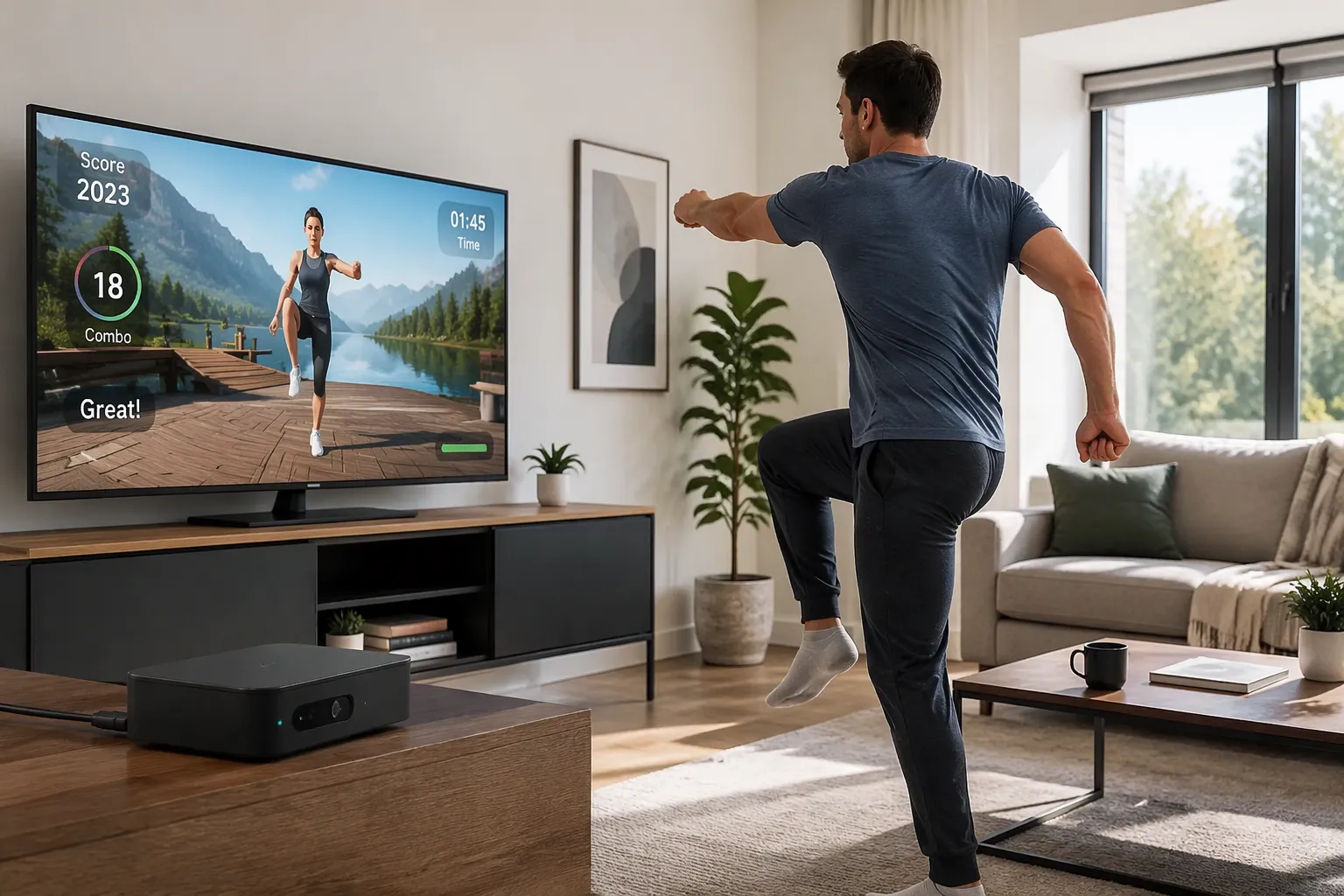
With your checklist ready, the PlayPop 8 from Blackview is one option to consider. It is a small AI-powered console that plugs into a TV with an HDMI cable. Note that it is not a projector. It sits near the TV like a small box and turns the living room into a play area. Here is how its features match the criteria above.
Controller-Free Play and Body Tracking
Ease of use is where this console really stands out. Notebookcheck describes the experience in simple words:
Instead of following the usual console setup, PlayPop 8 makes your body the controller. With 17-Point AI Tracking, motions like waving, moving, and jumping are picked up and shown in the game, and you can even use gestures to move through the game lobby. The whole experience basically comes down to Stand Up → Move → Play, with no complex controls or instructions.
That flow removes the controller learning curve. Your kids stand up, move, and play. There are no buttons to memorize and no remotes to drop. The 17-point AI full-body tracking reads the whole body, so waving, jumping, and stepping all count as input. Gesture navigation means even the menu works without holding a device.
Privacy gets the same careful attention. Trendhunter reports that the console uses 100% local processing for motion recognition and adds a physical camera shutter. That matches the on-device processing and sliding cover points from the checklist. Parents can slide the cover shut when play ends.
|
Feature |
Description |
|---|---|
|
Controller-free input |
The player's body becomes the input method. |
|
Body tracking |
17-Point AI Tracking recognizes waving, moving and jumping. |
|
Gesture navigation |
The game lobby responds to hand gestures. |
|
Privacy |
Local processing for motion recognition plus a physical camera shutter. |
Games, Players, and GamePass
Game selection looks strong for shared play. Five starter games come in the box, so the first session needs no extra purchase. The library covers six categories: Family & Party, Casual & Fun, Puzzle & Brain, Sports & Fitness, Music & Dance, and Action & Adventure. That range covers different tastes, which helps when siblings share one gaming console. Younger kids can start with party titles, while older ones move toward action or music.
Multiplayer fits the family-room model. Up to four players can join at once, depending on the game. Check each title's player count before you plan a game night. A four-player round needs more open space, so measure the room first. The compact design helps here too. It takes little shelf room, and the motion-tracking sensors are built inside the unit.
Cost stays predictable. The included games cover the first weeks of play. An optional PlayPop GamePass adds more titles with quarterly content updates. Treat that as a recurring cost and decide whether your family plays often enough to justify it.
Where does it fit best? Families who want controller-free play, a mixed library of family-friendly games, and privacy controls in one box will find a natural match. If your kids prefer handheld controllers or a huge existing library, other options may suit them better. Either way, the checklist still decides. This motion gaming console for kids is one path, not the only one.
Frequently Asked Questions
Do kids need controllers to play?
Not always. Some motion consoles are fully controller-free and read body movement with a camera. Others ship with motion controllers that kids hold and swing. PlayPop 8 falls in the first group. Its 17-point AI tracking turns waving, jumping, and stepping into game input, and hand gestures even work in the lobby menu.
What games come in the box?
It varies by console, so check the box before you buy. PlayPop 8 includes five starter games, which covers the first few sessions without an extra purchase. The wider library spans six categories: Family & Party, Casual & Fun, Puzzle & Brain, Sports & Fitness, Music & Dance, and Action & Adventure.
Is a membership required?
No. A membership is optional on most family consoles, and PlayPop 8 works the same way. The PlayPop GamePass adds more titles with quarterly content updates. Treat it as a recurring cost and decide whether your family plays often enough to justify it.
How many kids can play at once?
That depends on the game. PlayPop 8 supports up to four simultaneous players, depending on the title. Check each game's player count before you plan a game night, and measure your room against that number. A four-player round needs more open floor than a solo session.
How should we prepare the play area?
Clear an open space in front of the TV. Move the coffee table, floor lamps, and loose rugs. Kids should play barefoot or in socks on a dry surface, and younger players do best with a parent nearby for the first few rounds.
Is this the same as VR?
No. VR headsets put a screen over the eyes, while motion consoles keep players in the room watching the family TV. If your family is searching for vr games for kids, the best vr headsets for kids, or standalone vr games, that's a different product type. This guide covers TV-based motion gaming only.
Match the console to your kids' ages, your room size, and your budget. Chasing specs rarely helps. A system that fits your family's space and play habits beats a more powerful one that sits unused.
Here's the one-line recap: check ease of use, game fit, space, privacy, and total cost before you buy.
When you're ready, take a look at PlayPop 8 and its Games and GamePass. No pressure. This parent's guide simply gives you the criteria, and your family makes the final call on the gaming console that feels right.
FAQ
How much open space does a motion console need?
It depends on the game and the player count. A solo round needs less floor than a four-player session. Clear the area in front of the TV, move the coffee table and lamps, and give each player room to swing arms and step side to side. Check the game's player count before a family night.
Does the console work with any TV?
Most motion consoles connect through an HDMI cable, so they work with a standard TV that has an HDMI port. PlayPop 8 follows this pattern. It is a compact box that sits near the TV, not a projector. Check your TV's ports before setup day.
Can parents limit what kids play?
Yes, on most family consoles. Review the parental control settings at setup. Look for content filters, screen-time limits, and account controls. PlayPop 8 also includes a physical sliding camera cover, so parents can shut the camera when the console sits idle.
What happens when the starter games get old?
Families have options. Some consoles sell extra titles one at a time. Others offer an optional membership. PlayPop 8 includes five starter games across six categories, and the optional PlayPop GamePass adds more titles with quarterly content updates. Treat that pass as a recurring cost.
Is a motion console a good first console for young kids?
It can be, for the right family. Controller-free play removes the button learning curve, so young kids often start faster. Still, match the choice to your child's age, your room, and your budget. A parent nearby for the first few sessions helps too.